
A streaming PC is designed to handle gaming, broadcasting, recording and other applications at the same time. The right system depends on your games, resolution, frame rate, software and budget.
Choosing a streaming computer can be confusing because CPU, GPU, RAM, storage and hardware encoding all have different roles. A PC that works well for gaming may need additional performance for gaming and streaming together.
This guide explains streaming PC requirements in simple terms. It covers important components, streaming resolutions, single and dual PC setups, prebuilt systems, upgrades and the equipment needed for a complete streaming setup.
What Is a Streaming PC?
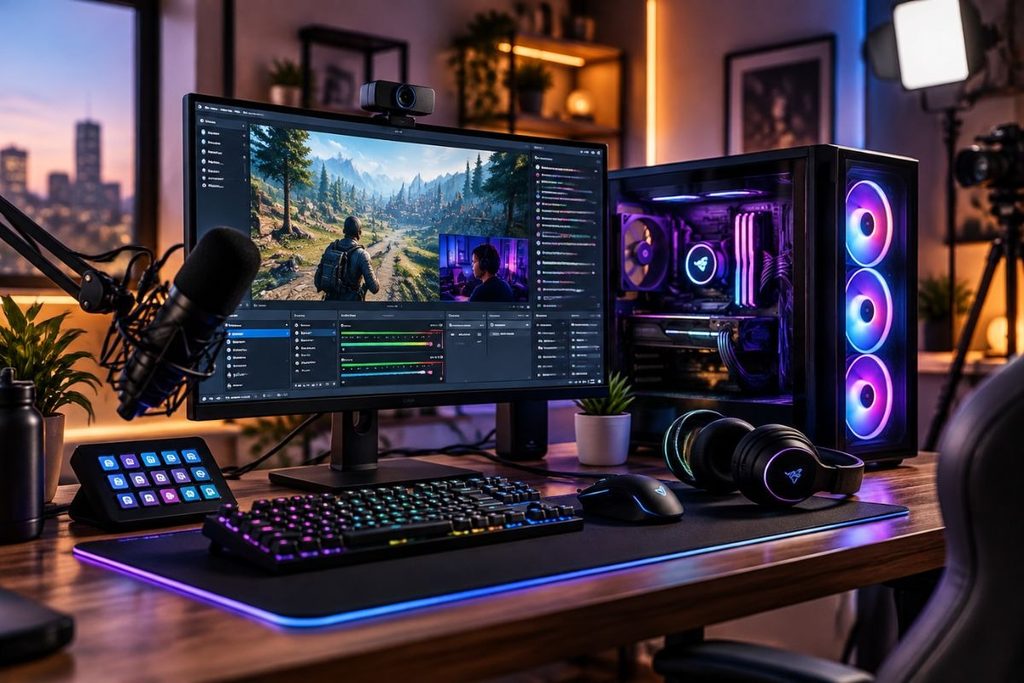
A streaming PC is a computer capable of running streaming software while handling tasks such as gaming, recording, video playback or content creation.
A gaming PC can also work as a streaming PC when it has enough performance for both workloads. Streaming adds another workload because the system must process and broadcast video while the game is running.
Modern streaming software can use hardware encoders to reduce the amount of encoding work handled by the CPU. This can help maintain gaming performance when supported by the hardware and software.
You do not necessarily need the most expensive streaming desktop. The better approach is to match the PC hardware with your games, stream resolution, recording needs and other applications.
What PC Specs Do You Need for Streaming?
The required streaming PC specs depend on your workload. A basic 1080p setup has different requirements from a system designed for 4K gaming, streaming and video editing.
The main components to consider are the CPU, GPU, RAM, SSD storage and cooling. A stable internet connection and suitable streaming software are also important.
CPU for Streaming
The CPU handles general processing and can also perform software based video encoding. It becomes more important when you run a game, OBS, browser tabs, chat, recording tools and other applications together.
A modern multi core processor is a practical choice for a PC for gaming and streaming. AMD Ryzen and Intel Core processors are available across different performance levels.
The best CPU for streaming depends on your workload. Someone streaming games occasionally may not need the same processor as a creator who streams, records, edits videos and runs several applications simultaneously.
GPU for Streaming
The GPU renders game graphics and can also provide hardware encoding on supported models. This makes the graphics card an important component in a streaming gaming PC.
Supported NVIDIA GeForce RTX GPUs can use NVIDIA’s NVENC encoder. Some modern GPUs also support AV1 encoding for compatible workflows.
Your GPU should match the games, graphics settings, resolution and target frame rate. Buying a powerful GPU while ignoring the rest of the system can create an unbalanced PC.
RAM for Streaming
RAM allows applications to operate while they are running. Streaming often involves several applications at once, including a game, OBS, browser tabs, chat and recording tools.
16GB can be a practical starting point for many gaming and streaming setups. 32GB provides more headroom for multitasking, recording, editing and other creative workloads.
The amount of RAM you need depends on the software you use. Users running heavier content creation applications may benefit from additional system memory.
SSD and Storage
SSD storage improves general system responsiveness and application loading compared with traditional mechanical storage. NVMe storage can provide fast performance on compatible systems.
Storage capacity is especially important for streamers who record gameplay. High resolution recordings can quickly consume available space.
A 1TB SSD can provide a useful starting point, while frequent creators may need additional storage for recordings, games and video projects.
What Is the Best PC for Streaming?
There is no single best PC for streaming for every user. The right system depends on your games, resolution, frame rate, streaming software, recording needs and budget.
A balanced streaming PC should combine a capable CPU, GPU, sufficient RAM, SSD storage and appropriate cooling. Hardware encoding can also be useful when supported by the graphics card.
A mid range gaming PC may be enough for many 1080p gaming and streaming workloads, while 1440p, 4K and demanding content creation can require stronger hardware.
Instead of choosing a system only because it is marketed as a “best streaming PC,” compare its complete specifications with your actual workload.
Streaming PC Requirements by Resolution
Your target streaming resolution affects the hardware you need. Gaming resolution and stream output resolution can also be different.
1080p Streaming PC
A 1080p streaming PC can provide a practical starting point for beginners. A modern CPU, dedicated GPU, 16GB RAM and SSD storage can form a balanced system.
The exact requirement depends on the game and target frame rate. High FPS competitive games can place different demands on hardware than less demanding titles.
1440p Streaming PC
A 1440p streaming PC generally needs stronger graphics performance because the GPU has more pixels to render than at 1080p.
A capable GPU, modern CPU and sufficient RAM can help maintain gaming and streaming performance. Additional memory can also be useful when running several applications together.
4K Streaming PC
A 4K streaming PC requires more demanding hardware when you want to play games at 4K while streaming.
The GPU becomes particularly important because 4K gaming creates a higher graphics workload. A stronger CPU, sufficient RAM, fast storage and suitable cooling can also be useful for demanding gaming and content creation.
Can You Game and Stream on the Same PC?
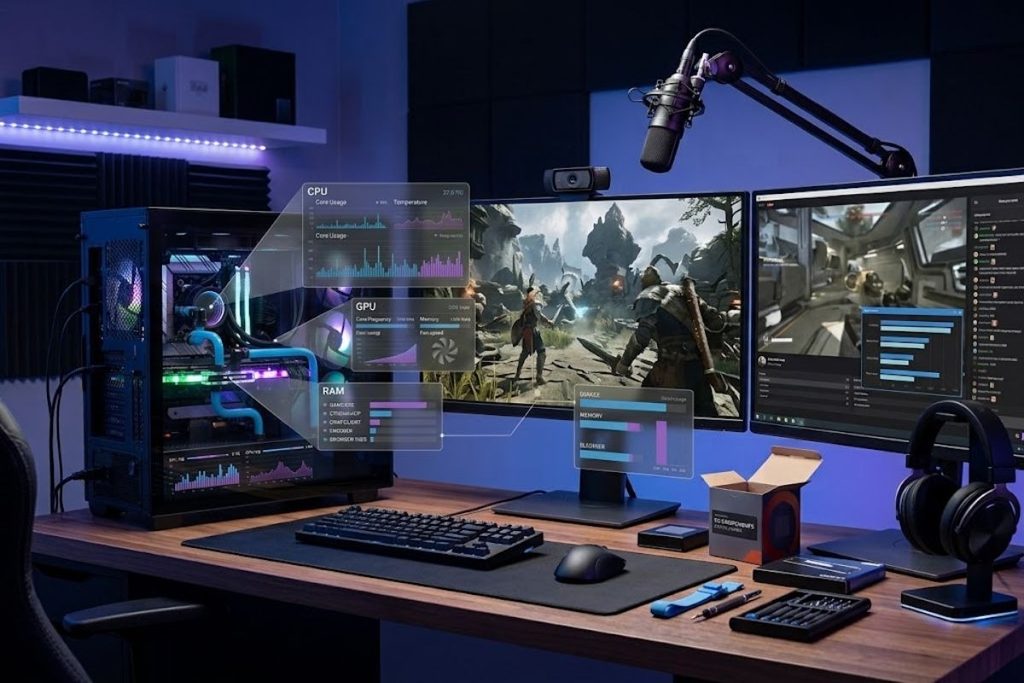
Yes. A single PC can handle both gaming and streaming when the hardware has enough performance.
This is called single PC streaming. The same computer runs the game, streaming software, chat and browser applications. If you stream mobile games on PC, lightweight BlueStacks alternatives can also help manage the encoding workload efficiently.
The main advantage is simplicity. You only need one computer and fewer connections. Hardware encoding can also reduce some of the encoding workload placed on the CPU.
The limitation is that gaming and streaming share system resources. If the game already uses most of the available CPU, GPU or RAM, running additional applications can affect performance.
What Is a Dual PC Streaming Setup?
A dual PC streaming setup uses two computers. One runs the game while the second handles streaming and broadcasting tasks.
A streaming capture card can transfer the gaming PC’s video signal to the dedicated streaming computer. This separates the gaming and streaming workloads.
The main benefit is workload separation, but a dual PC setup also adds cost, cables, configuration and additional hardware.
Most beginners do not automatically need a dedicated streaming PC. A properly configured single PC can be enough for many gaming and streaming workflows.
Prebuilt Streaming PC vs Custom Build
A prebuilt streaming PC comes assembled with the main components already installed. This can be convenient for beginners who do not want to build or troubleshoot a computer.
A custom streaming PC build gives you more control over the CPU, GPU, RAM, storage, cooling, case and other components.
When buying a prebuilt gaming PC, do not focus only on the processor or graphics card. Check the RAM, SSD capacity, cooling, power supply, motherboard and available upgrade options.
A custom build can be useful when you want specific hardware combinations, while a prebuilt system can simplify the buying and setup process.
How Much Does a Streaming PC Cost?
The cost of a streaming PC varies according to the hardware and workload. Entry level, mid range and high end systems can have significantly different prices.
For a budget streaming PC, prioritize the components that directly affect gaming and streaming performance. A balanced system is generally more useful than spending heavily on unnecessary features.
With a higher budget, you can consider stronger GPU performance, additional RAM, larger SSD storage, better cooling and more upgrade flexibility.
PC prices change frequently, so current pricing should be checked before purchasing. The specifications should remain the main focus when comparing systems.
What Is NVENC and AV1 Encoding?
NVENC is NVIDIA’s hardware video encoding technology on supported GPUs. It uses dedicated encoding hardware instead of relying entirely on the CPU, which can help when gaming and streaming on the same PC.
AV1 is a modern video compression format designed for efficient video compression. Supported hardware can provide AV1 encoding for compatible recording and streaming workflows.
Support depends on the specific GPU, software and streaming platform. Check compatibility before choosing hardware specifically for AV1.
What Software and Equipment Do You Need?
OBS is a popular application for PC streaming. It allows users to manage scenes, sources, recording, audio, video and encoding settings.
A complete streaming setup can also include a microphone, webcam, durable gaming headphones, monitor, lighting and capture card depending on the type of content.
A capture card is generally unnecessary when streaming gameplay directly from the same PC. It becomes more useful for capturing another PC, game console or external video source.
Internet quality also matters. Upload speed, connection stability and selected stream bitrate affect the live broadcast. Check the current requirements of your chosen streaming platform before configuring your stream.
How to Choose a Streaming PC?
Start by identifying what you will stream and which games you will play. Then choose your target resolution and frame rate.
Next, compare the CPU, GPU, RAM, SSD storage, encoder and cooling as a complete system. Avoid choosing one expensive component while leaving the rest of the PC significantly weaker.
Consider whether you will record gameplay, edit videos or run other creative workloads. These tasks can increase your requirements for CPU performance, RAM and storage.
Finally, check upgrade options and compatibility before purchasing. A system that can be upgraded later can provide more flexibility as your streaming needs grow.
When Should You Upgrade a Streaming PC?
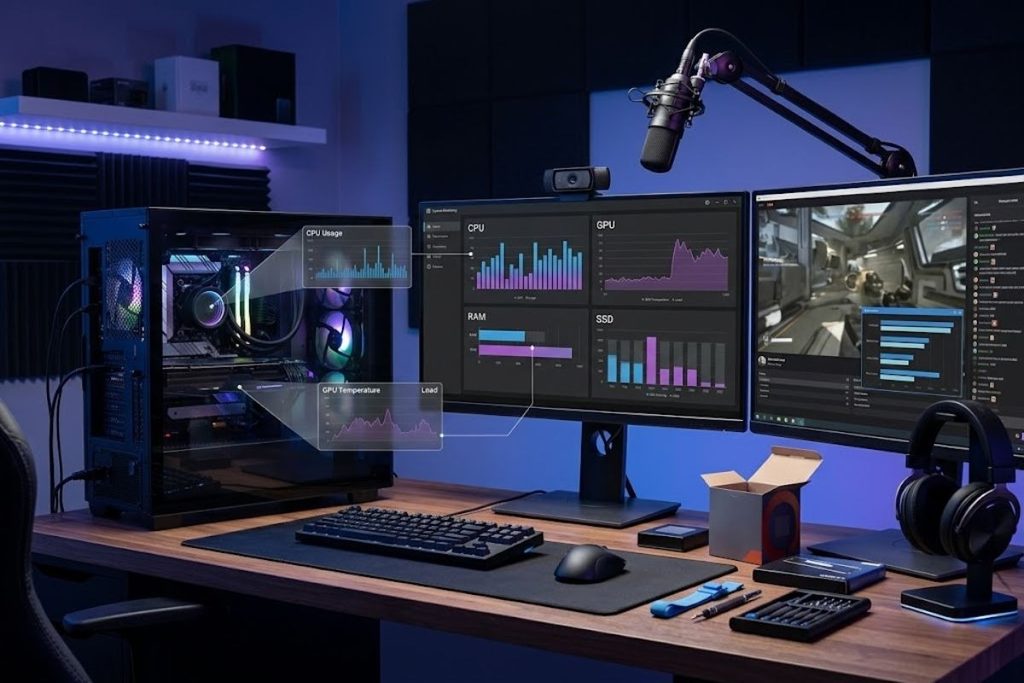
Upgrade your PC when a specific component becomes a performance limitation.A CPU upgrade may help when processor usage remains high during gaming and streaming. A GPU upgrade can be useful when graphics performance limits resolution or frame rate.
A RAM upgrade may help when memory becomes limited during multitasking. Additional SSD storage is useful when games, recordings and project files regularly fill your existing drive.
Check actual system performance before upgrading. This helps identify which component is creating the limitation instead of replacing hardware unnecessarily.
Conclusion
A streaming PC should be selected according to your actual workload rather than a product label. CPU, GPU, RAM, storage, cooling and hardware encoding all contribute to the overall system.
For gaming and streaming on one PC, a balanced system can provide a simple and practical setup. Higher resolution gaming, recording and content creation may require stronger hardware.
The right streaming PC depends on your games, resolution, budget, software and future plans. Choose components that support your workflow and upgrade when a real performance limitation appears.
FAQs
Is 32GB RAM enough for streaming?
Yes, 32GB can provide useful headroom for gaming, streaming, browser tabs, recording and other multitasking. Your actual requirement depends on the applications you use.
What CPU is best for gaming and streaming?
A modern multi core CPU with enough performance for your games and applications is a practical choice. The ideal processor depends on your complete workload and encoding method.
What GPU is best for streaming?
The right GPU depends on your gaming resolution, frame rate, games, budget and encoder requirements. A modern GPU with hardware encoding can be useful for single PC streaming.
Do you need an NVIDIA GPU for streaming?
No. NVIDIA is not the only option for streaming. Other graphics cards can also support hardware encoding, so compare performance, software support, encoder capabilities and price.
Is OBS good for streaming?
OBS is a popular streaming application that supports scenes, sources, recording and different encoding options. It can be used with compatible streaming platforms such as Twitch and YouTube.


Pingback: In Ear Gaming Headphones: How to Choose the Right Pair