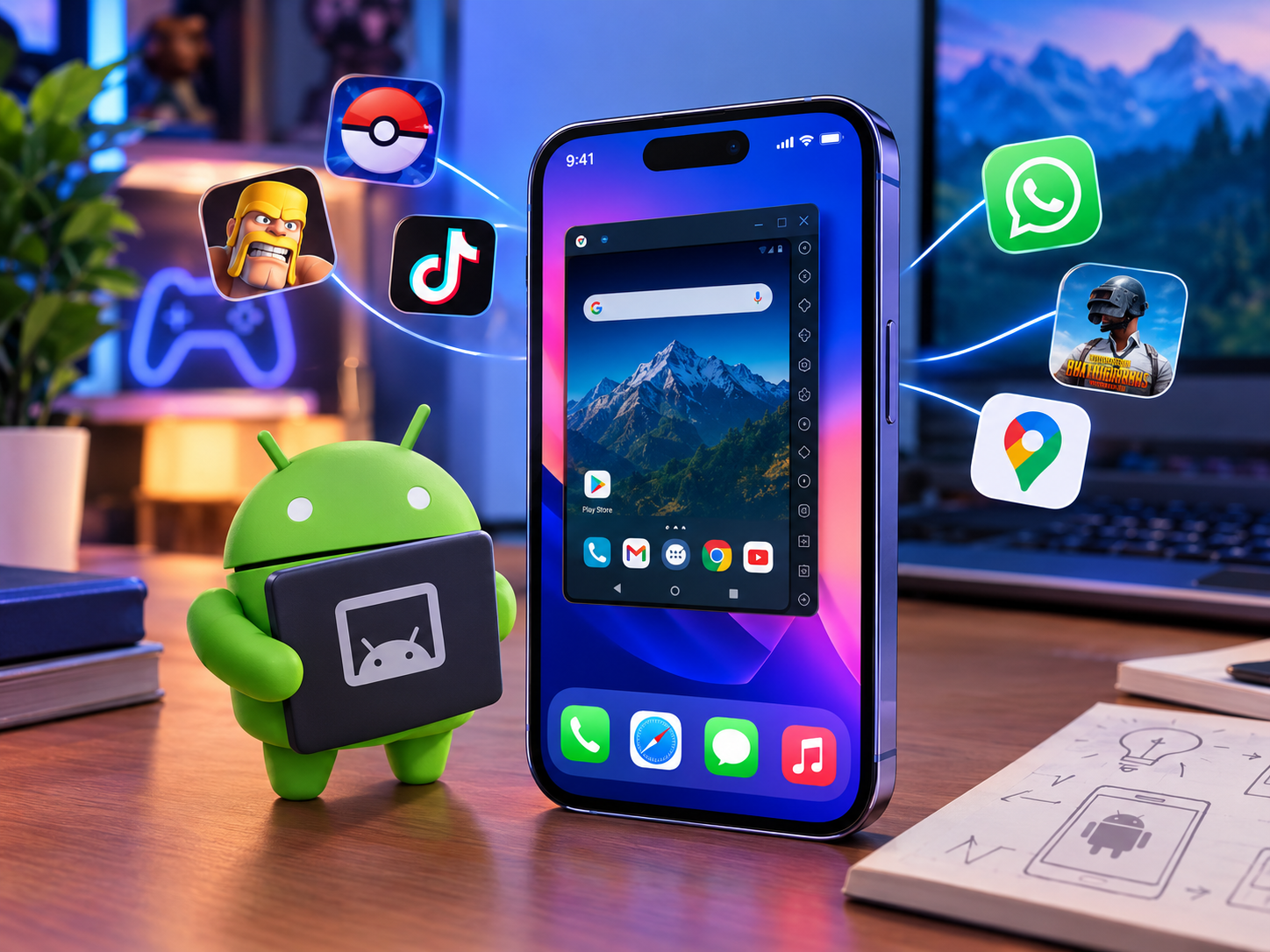
Trying to find a working android emulator for iphone can feel like chasing a moving target. Apple’s closed ecosystem makes this harder than on Android or Windows devices. This guide walks beginners through every real option available in 2026.
You’ll learn which methods actually work, which ones risk your device and how to pick the safest route. No technical background needed to follow along. Let’s start with the basic question everyone asks first.
Quick Answer
iOS blocks traditional desktop emulators, but you can still run Android apps on iPhone through cloud based tools like Appetize.io, sideloading apps such as AltStore, or advanced virtual machines like UTM. No jailbreak is required for most methods.
Can You Run an Android Emulator Directly on an iPhone?
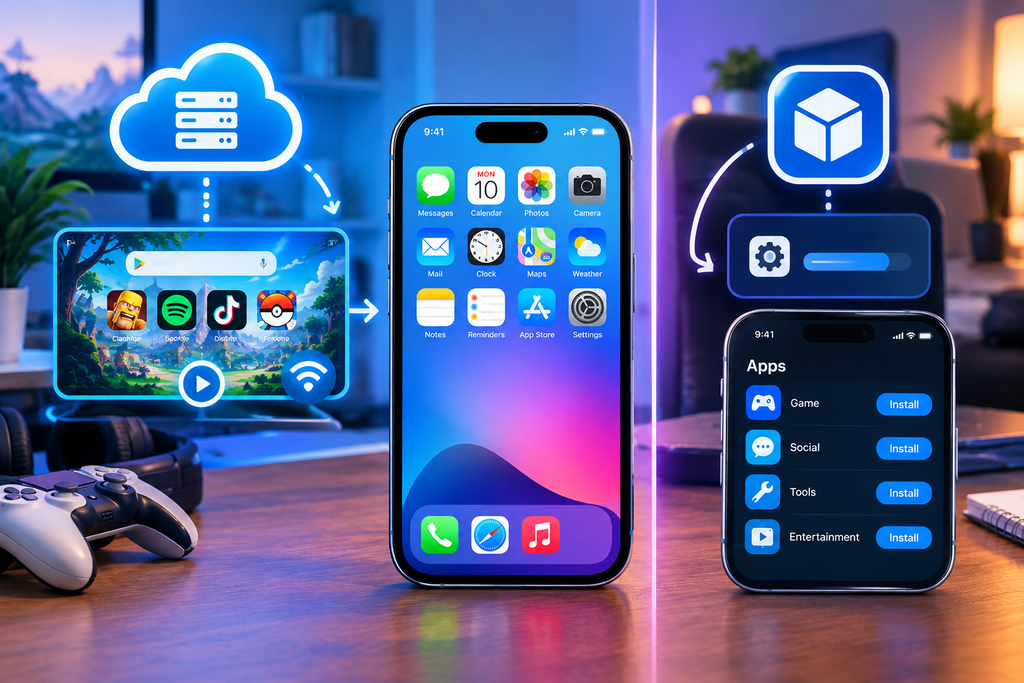
The short answer is not in the traditional sense. Apple’s App Store rules block full desktop style emulators from being installed normally. That said, several workarounds let you experience Android apps without breaking any rules.
Cloud based emulators run the Android environment on a remote server. Your iPhone simply streams the video output, similar to watching a video call. This sidesteps Apple’s restrictions since nothing Android actually installs on your device.
Sideloading tools offer a second path for more hands on users. These require an extra installer app but still avoid jailbreaking. We’ll cover both approaches in detail below.
Top Methods to Run Android Apps on iOS
Running Android environments on iOS requires choosing between cloud web portals, non jailbreak sideloading utilities, or virtual machine emulation. Cloud platforms offer instant browser execution without system modifications, while AltStore sideloading and UTM virtualize Android locally. Selecting the optimal approach depends on whether you prioritize instant testing speed, privacy, or full local system control.
Web Based Cloud Emulators
Appetize.io and similar web portals run Android virtually in your browser. You get near instant access without downloading anything heavy. This is the easiest entry point if you’re wondering can I run android apk on iphone without extra setup.
Sideloading Android Emulators via AltStore and Sideloadly
AltStore lets you install apps outside the official App Store using your computer. Sideloadly works similarly and refreshes app permissions every few days. Both methods stay within Apple’s terms since no jailbreak is involved.
Jailbreak Based Android Virtual Machines
UTM can run a full virtual machine on jailbroken devices for advanced users. This method unlocks the most functionality but voids your warranty. It’s best left to people already comfortable with jailbreaking risks.
Best Android Emulators for iPhone and iPad
Selecting the best Android emulator for iOS depends on choosing between browser streaming, lightweight web apps, or deep virtual machine execution. Cloud options like Appetize.io allow instant testing without installation, while iAndroid and UTM offer local virtualization. Evaluating resource limits and setup complexity helps you pick the right tool for your device.
Appetize.io for Online Browser Testing
Appetize.io works entirely through your browser with zero installation. It’s popular among developers testing apps but works fine for casual use too. Session lengths are limited on the free tier.
iAndroid as a Lightweight iOS Web App
iAndroid offers a simplified interface aimed at casual users. It answers the common question is there a bluestacks but for ios in a basic way. Performance stays lighter than full virtual machine options.
UTM Virtual Machine for Advanced Power Users
UTM gives the closest experience to a real Android OS on iPhone. It requires jailbreaking and more storage space than other methods. This suits users who already asked can i install android os on my iphone and want full control.
Key Factors to Evaluate Before Using iOS Android Emulators
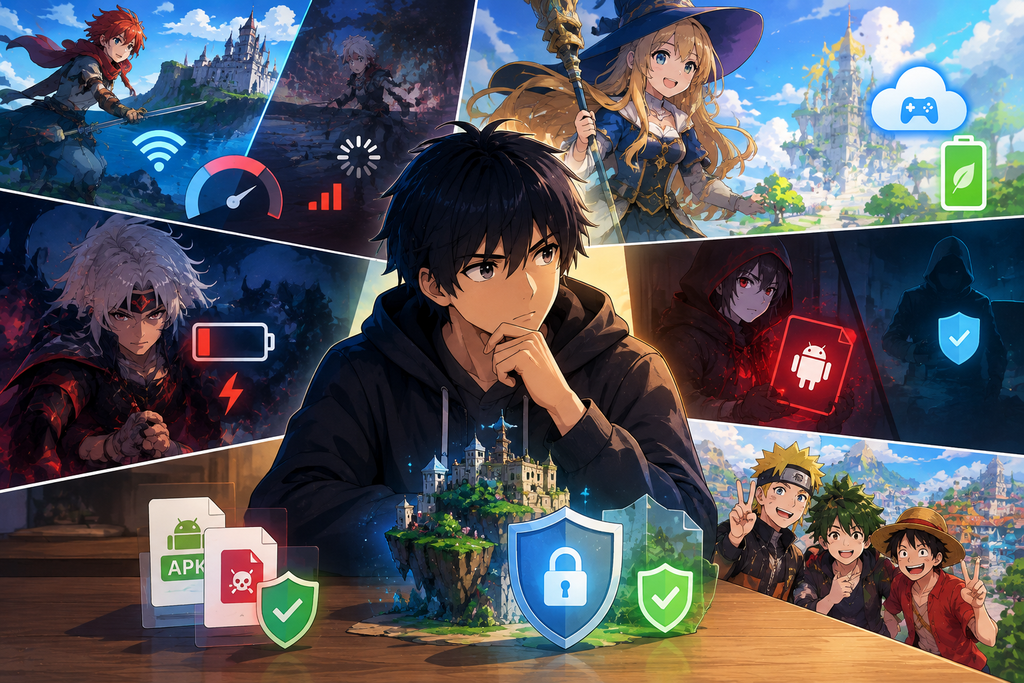
Evaluating network latency, resource limits and file safety ensures smooth Android emulation on iOS. Cloud emulators preserve battery life through internet dependency, while local sideloading delivers smoother performance but drains power faster. Prioritizing verified APK sources protects your iPhone’s security and battery health.
Performance Latency and Frame Rates
Cloud emulators depend entirely on your internet connection speed. Slower connections cause noticeable lag during gameplay or app use. Sideloaded options usually run smoother since processing happens locally.
Battery Drain and Hardware Resource Limits
Virtual machines and sideloaded emulators use significant processing power. Expect faster battery drain compared to native iOS apps. Cloud based options save battery since the heavy lifting happens on a remote server.
Security Apple Privacy Guidelines and APK Safety
Only download APK files from sources you trust completely. Random APK downloads carry a real risk of malware. Apple’s privacy guidelines don’t cover sideloaded apps, so extra caution matters here.
Cloud Based vs Sideloaded Emulators: Which Option Is Better
Cloud based emulators suit beginners who want something working immediately. There’s no computer needed and no risk to your iPhone’s warranty. The trade off is a dependency on stable internet and shorter free session limits.
Sideloaded emulators suit users comfortable with a slightly longer setup process. You’ll need a computer temporarily to install AltStore or Sideloadly. The payoff is smoother offline performance and fewer connection issues.
How to Install and Run APKs on iPhone Safely?
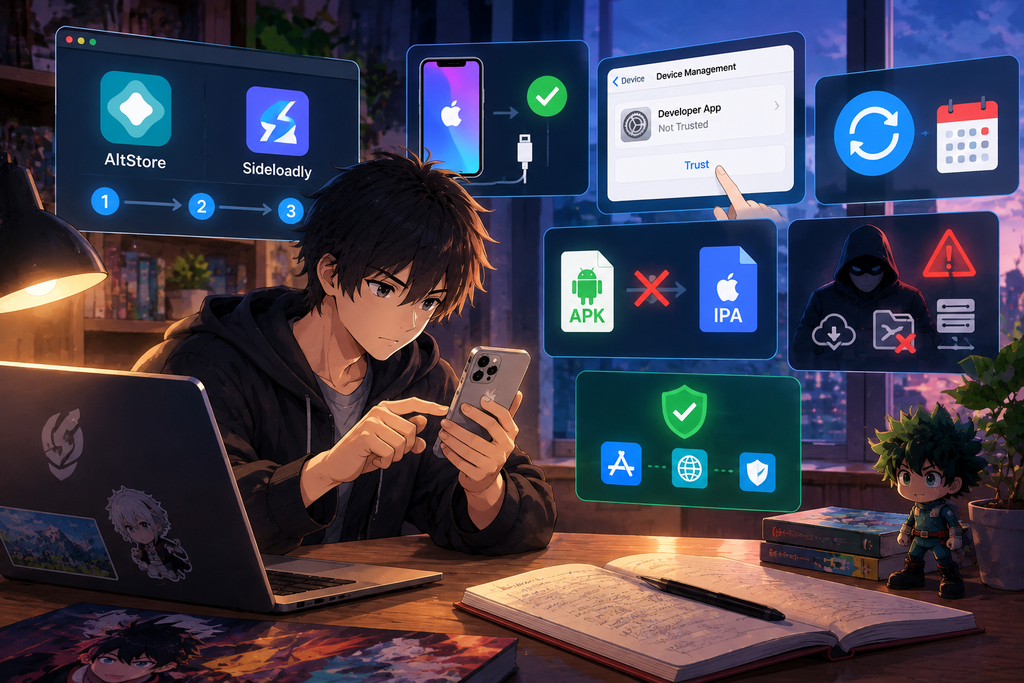
Start by choosing a sideloading tool like AltStore or Sideloadly on your computer. Connect your iPhone and follow the installer’s on screen steps. Trust the developer profile in your iPhone settings once installation completes.
Many users search can i convert apk to ipa expecting a simple file swap. In reality, sideloading tools repackage the app rather than performing direct conversion. Always re sign the app every few days since free developer certificates expire quickly.
Avoid installing APKs from unknown forums or file sharing sites. Stick to verified repositories connected to your sideloading tool of choice. This keeps your device reasonably protected while still testing Android apps.
Conclusion
Finding the right android emulator for iphone comes down to matching the method with your comfort level.
Beginners get the fastest results with cloud based tools like Appetize.io, while advanced users may prefer sideloading or virtual machines for deeper control.
Either path gets you closer to running Android apps without touching your iPhone’s core system.
Stick to trusted sideloading tools like AltStore or Sideloadly instead of random APK downloads, ensuring your device stays secure while testing apps or configuring audio settings for your durable gaming headphones.
This keeps your device protected while still letting you explore Android apps on iOS.
Start with the simplest method first, then move to a more advanced setup only if you need extra performance.
Most casual users never need to go beyond a cloud emulator or a basic sideloaded app.
Test what fits your daily use and stick with the option that feels most reliable for you.
FAQs
Can iOS allow APK files directly?
No iOS cannot open APK files natively without sideloading or emulation tools.
What emulator can I run on iOS?
Appetize.io, iAndroid and UTM are the most commonly used options.
Can I download BlueStacks on my iPhone?
No BlueStacks is Windows and Mac only, with no official iOS version.
How do I play 3DS games on iPhone?
Jailbroken devices can run Lime3DS or Citra based emulators for 3DS titles.
Is Lime3DS or Citra better for iPhone?
Lime3DS receives more active updates, making it the stronger current choice.
Does installing an Android emulator turn my iPhone into Android?
No emulators only mimic Android software; your iPhone’s core iOS system stays unchanged.